How Profiling Works in Python
Python supports multiple profiling mechanisms, each with trade-offs.
Runtime Instrumentation
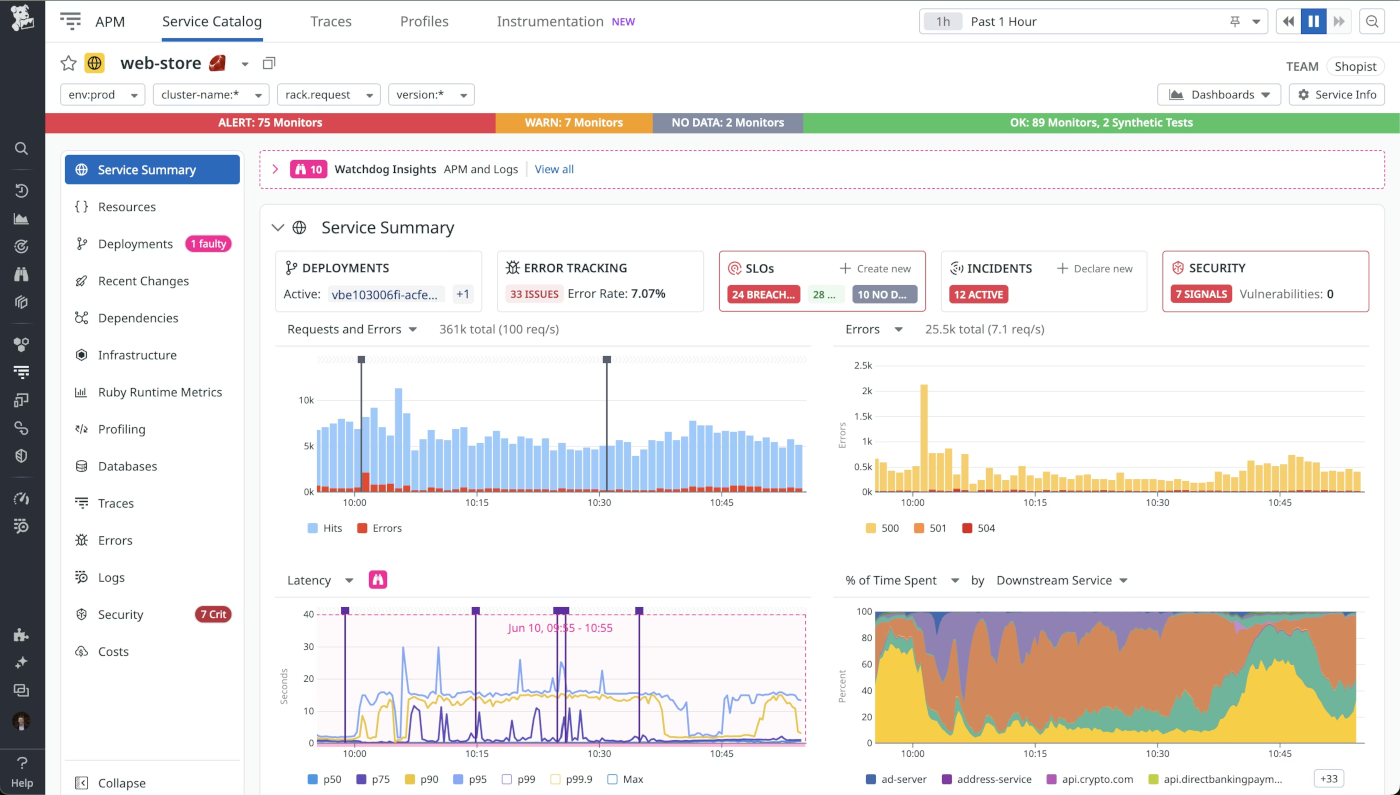
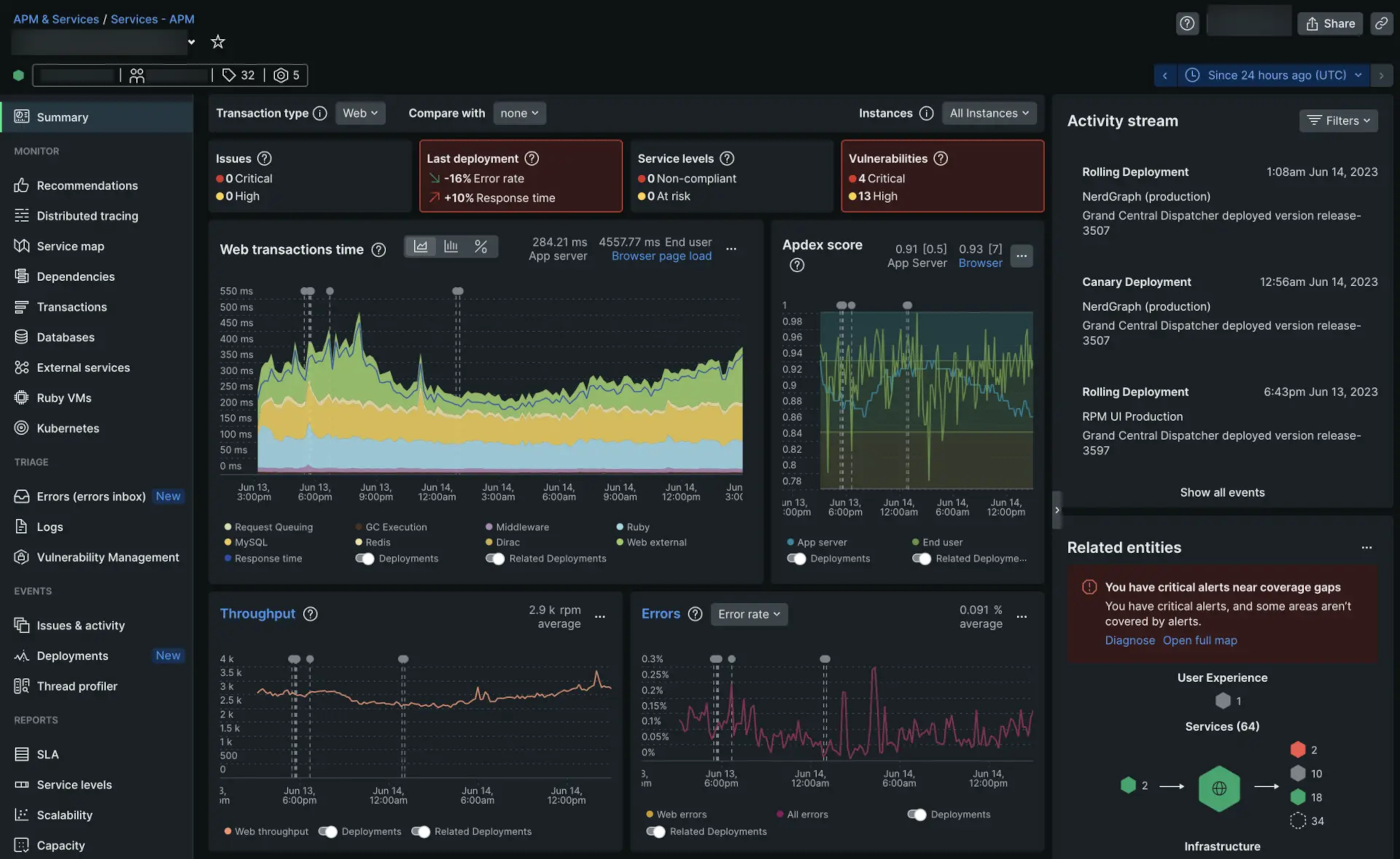
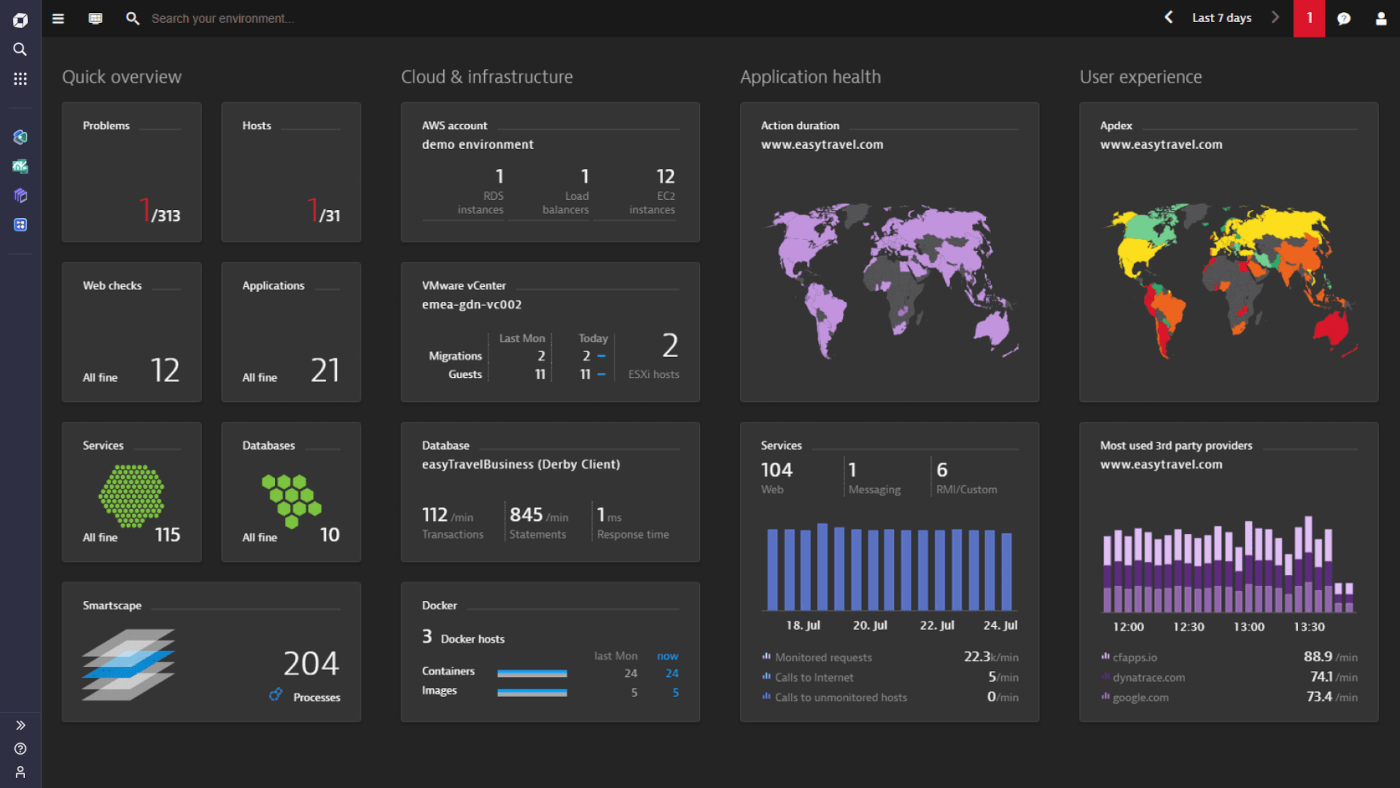
Runtime instrumentation means the profiler adds measurement hooks while your code is running, so it can observe what happens inside the application in real time. Instead of guessing where the slowdown is, instrumentation collects objective data about execution flow, timing, and resource usage, which makes optimization decisions much more reliable.
+ Function call frequency:
This shows how often each function is invoked during execution, helping you spot “hot paths” where small inefficiencies repeat thousands of times.
+ Execution time per function:
This measures how long each function takes to run, allowing you to identify slow functions and focus optimization on the biggest time consumers.
+ Memory allocation:
This tracks where memory is being allocated and how much is used over time, which helps detect excessive object creation and memory-heavy operations.
+ Resource consumption:
This captures usage of system resources like CPU load and sometimes I/O behavior, helping teams understand whether slowdowns come from computation or external operations.
Deterministic Profiling
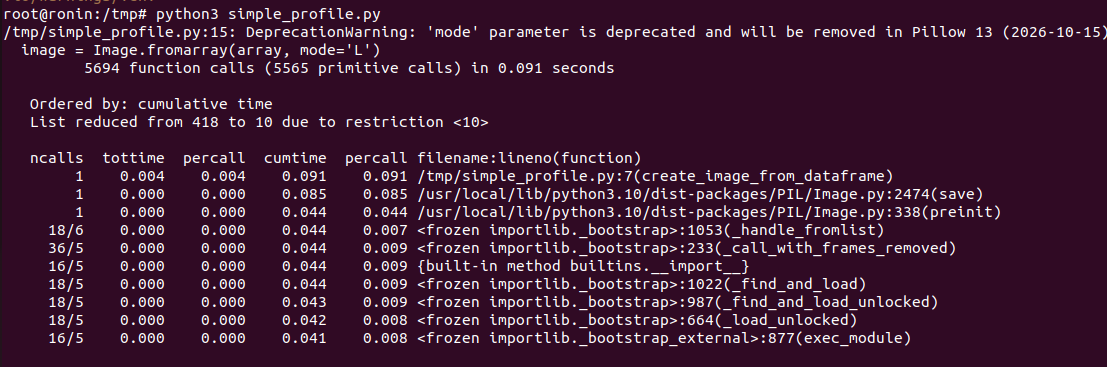
Deterministic profiling measures performance by recording every function call your program makes, along with how much time is spent in each call. Because it captures complete execution detail, it’s highly reliable for finding exactly where time is going—especially in complex codebases where bottlenecks aren’t obvious.
+ Traces every function call:
The profiler logs each function invocation, including nested calls, so you can clearly see the full call stack and execution flow.
+ Precise measurements:
Since it captures all calls rather than sampling, the timing and call-count data is highly accurate and useful for targeted optimization.
+ Higher overhead:
Recording every call adds runtime cost, which can noticeably slow the program, especially in tight loops or high-throughput workloads.
+ Ideal for development environments:
It’s best used locally or in staging where performance overhead is acceptable, making it safer than running in production traffic.
Statistical Sampling
Statistical sampling profiling works by capturing snapshots of a program’s execution at regular intervals, rather than tracing every function call. Instead of recording complete call histories, it observes what the application is doing at specific moments, then aggregates that data to estimate where time is being spent overall.
+ Takes periodic snapshots of execution state:
The profiler interrupts execution at fixed time intervals and records the current call stack, building a statistical picture of runtime behavior.
+ Lower overhead:
Because it does not instrument every function call, sampling introduces significantly less performance impact compared to deterministic profiling methods.
+ Slightly less granular:
Since it relies on probability and sampling intervals, very short-lived functions may not always appear in the final analysis.
+ Suitable for production-like environments:
Its lightweight nature makes it safer for staging or controlled production diagnostics where minimizing performance disruption is critical.
Common Profiling Metrics
Profiling tools generate multiple performance indicators that help teams understand how an application behaves under real execution conditions. These metrics provide measurable insights into time consumption, memory usage, and execution patterns, allowing SMEs to prioritize optimization efforts based on actual data rather than assumptions.
+ CPU time – actual CPU execution time:
CPU time measures how long the processor actively spends executing your program’s instructions, excluding waiting time caused by I/O or external operations.
+ Wall-clock time – total elapsed time:
Wall-clock time represents the total real-world time from start to finish, including computation, waiting, and any blocking operations.
+ Memory allocation:
This metric tracks how much memory is allocated during execution, helping detect inefficient object creation and excessive memory consumption patterns.
+ Call counts:
Call counts show how many times each function is executed, helping identify frequently repeated operations that may significantly impact overall performance.
What Profiling Reveals
Profiling provides visibility into how an application behaves internally during execution. Rather than relying on assumptions, teams can use profiling data to uncover performance inefficiencies, structural bottlenecks, and resource waste that directly impact scalability and operational cost.
Profiling helps identify:
+ Inefficient algorithms (O(n²) where O(n) is possible):
Profiling exposes functions whose execution time grows disproportionately with input size, revealing algorithmic inefficiencies that can severely impact scalability.
+ Repeated expensive operations:
It highlights operations that consume significant time and are executed frequently, indicating opportunities for caching, batching, or restructuring logic.
+ Unnecessary object creation:
Profiling can show excessive instantiation of temporary objects, which increases memory pressure and CPU overhead in high-throughput systems.
+ Memory leaks:
It helps detect memory that continues growing over time without being released, a critical issue in long-running services.
+ Excessive memory allocations:
Profiling reveals areas where large or repeated allocations occur, enabling optimization through data structure improvements or reuse strategies.
Trade-Offs
While profiling provides valuable performance insights, it also introduces practical considerations that SMEs must evaluate carefully. Each profiling approach offers advantages and limitations, and selecting the right method requires balancing accuracy, system impact, and operational context.
+ Deterministic profiling introduces overhead:
Because it records every function call and execution detail, deterministic profiling can noticeably slow down applications during measurement.
+ Sampling may miss micro-level inefficiencies:
Since statistical profiling relies on periodic snapshots, very short-lived functions or rare execution paths might not appear consistently in reports.
+ Production profiling must balance observability and performance impact:
Profiling in live environments requires minimizing overhead while still capturing meaningful diagnostic data for actionable insights.
+ For SMEs, selecting the right approach depends on workload type and environment maturity:
CPU-bound systems, memory-heavy applications, and distributed architectures require different profiling strategies based on operational complexity.