From On-Prem to AWS: A Practical Migration Roadmap for Growing SMEs
Understanding On-Prem Infrastructure and AWS
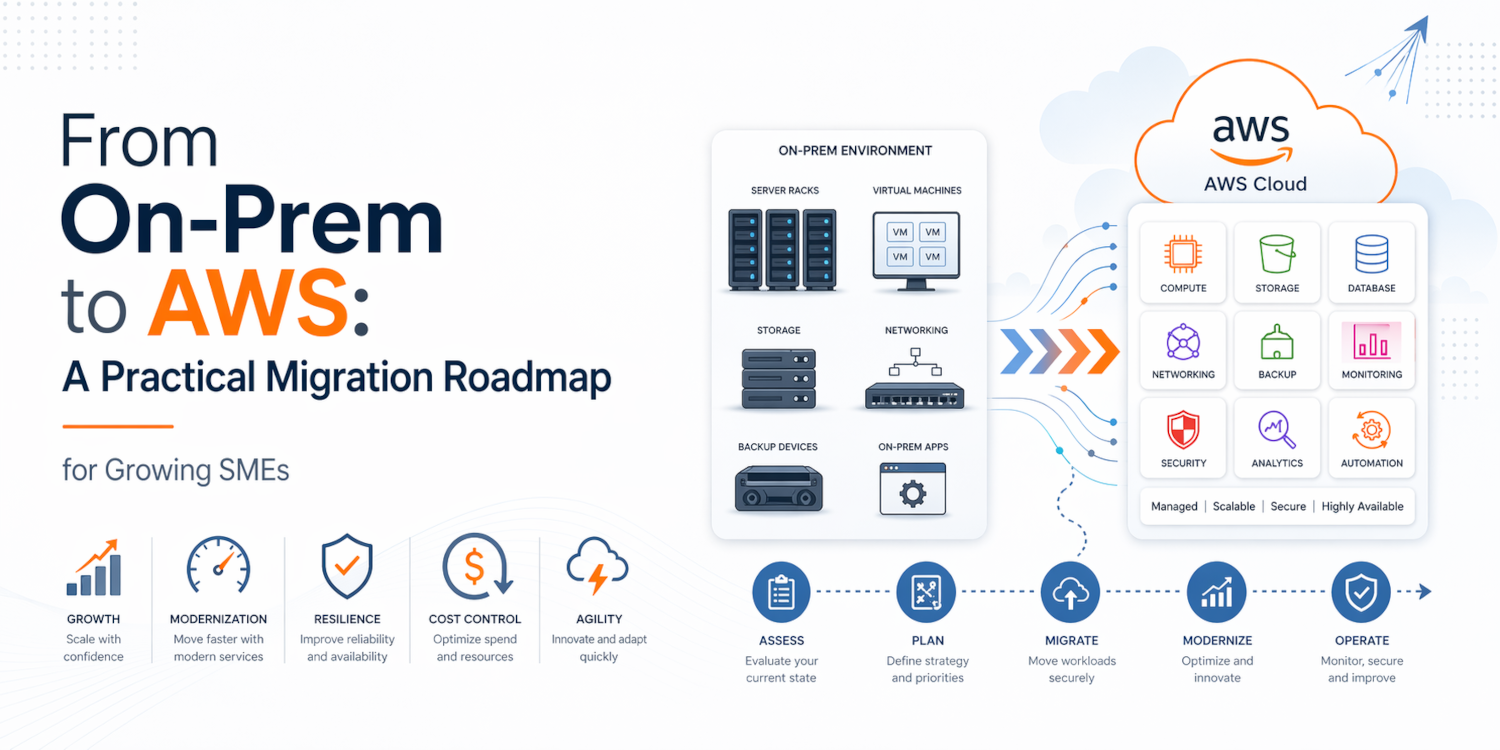
For many SMEs and scale-ups, infrastructure decisions that once felt sensible start becoming constraints as the business grows. A small on-premises server environment may have supported the early years well enough: a few physical servers, virtual machines, backup devices, networking equipment, and a lean IT team holding everything together. But growth changes the equation. More users, more applications, tighter uptime expectations, stronger security demands, and the need to launch faster can expose the limitations of infrastructure that was never designed to scale with the business.
That is where Amazon Web Services (AWS) enters the conversation. AWS provides on-demand cloud infrastructure and managed services with a pay-for-use model, giving businesses access to compute, storage, networking, backup, databases, and security capabilities without the need to build and maintain everything in-house. AWS positions this as a way to migrate, modernize, and reduce technical debt while shifting resources toward innovation, and its platform continues to be built around scalable, pay-as-you-go cloud services.
For growing SMEs, moving from on-prem to AWS is not simply a hosting change. It is an operational shift that can improve agility, resilience, and cost control when handled properly. The keyword there is properly. A rushed migration can create new risks, just as an overengineered one can waste time and budget. What SMEs need is a practical roadmap: structured enough to reduce risk, but flexible enough to fit real business conditions.
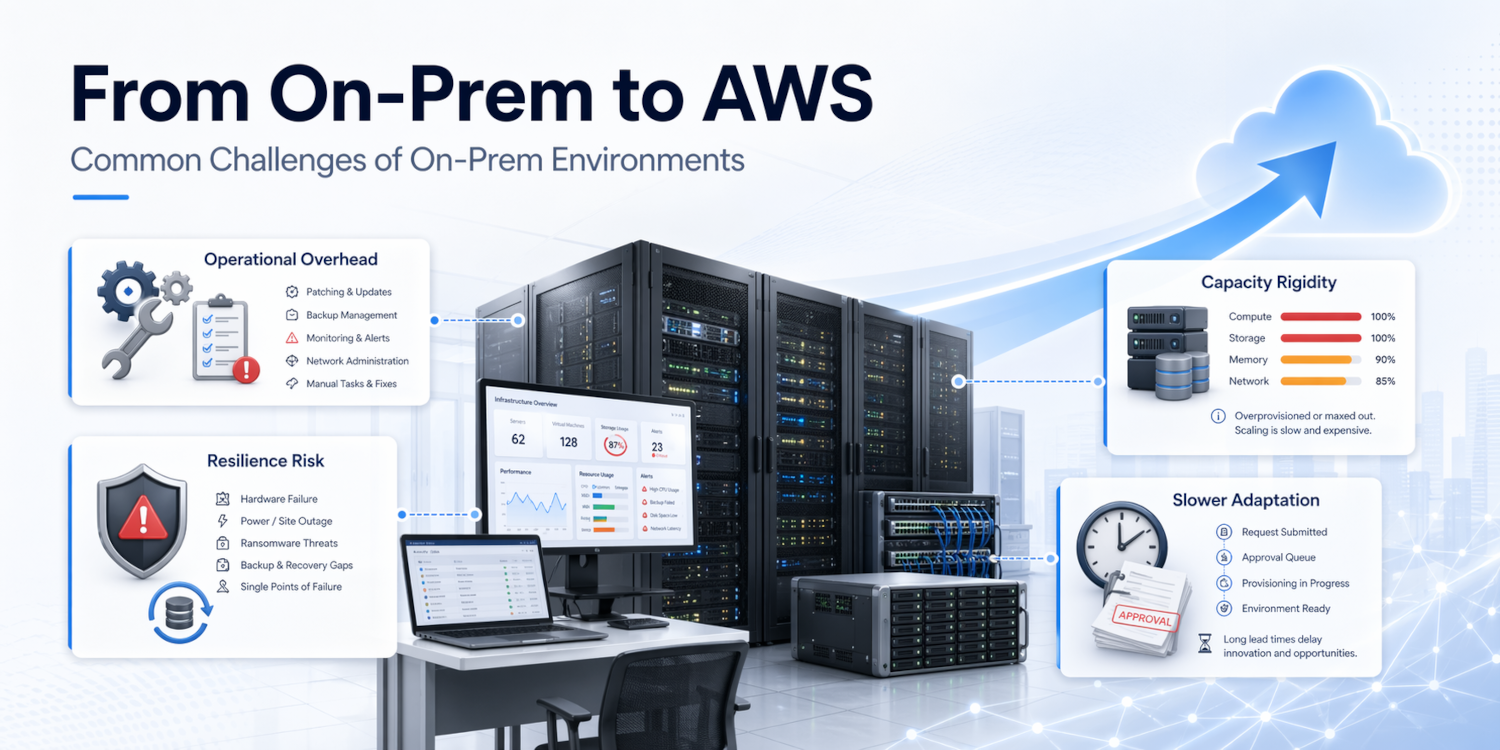
Traditional on-premises infrastructure usually means servers, storage, firewalls, backup systems, and supporting software hosted within the company’s office, data room, or a co-location facility. The business owns or leases the hardware, manages refresh cycles, handles patching, supports backups, monitors capacity, and remains responsible for availability planning.
That model still works in some environments, but it often becomes harder to justify as the business expands. Capacity must be purchased before it is fully needed. Resilience often depends on budget-heavy duplication. Security and maintenance rely heavily on internal skills. And every infrastructure decision competes with other business priorities.
AWS shifts much of that burden into a cloud operating model. Instead of buying infrastructure for peak demand and maintaining it for years, businesses can provision resources when needed and scale them as usage changes. AWS also offers managed capabilities across storage, monitoring, networking, security, backup, and modernization, giving smaller teams access to enterprise-grade building blocks that would otherwise be difficult or expensive to assemble internally.
This is why more SMEs are evaluating cloud migration as part of growth planning. The question is no longer “Should we be in the cloud because everyone else is?” It is “What is the right way to move, and in what order, so the business gets real value without disruption?”