
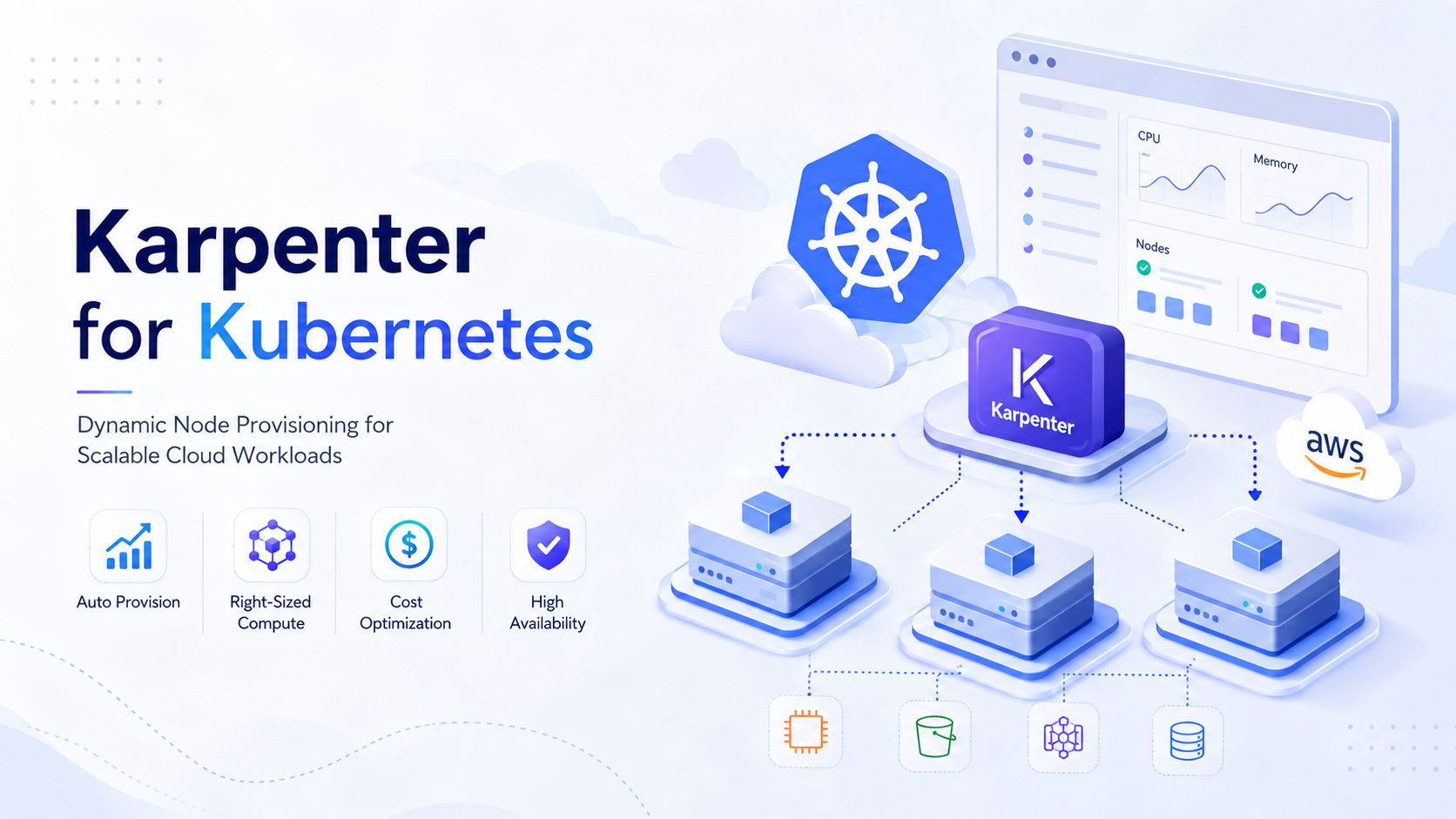
Karpenter for Kubernetes: Dynamic Node Provisioning for Scalable Cloud Workloads

|BLOG_DESCRIPTION|

Introduction

Kubernetes makes application scaling relatively straightforward, but scaling the infrastructure underneath those applications is a different challenge. When workload demand changes rapidly, teams must ensure enough compute capacity is available without permanently maintaining oversized clusters.

Karpenter addresses this problem by dynamically provisioning Kubernetes nodes according to workload requirements. Rather than requiring administrators to predefine every possible node group and scaling rule, Karpenter evaluates pending workloads and determines what infrastructure can satisfy them.

Kubernetes recognizes Karpenter as one of the node autoscalers sponsored by SIG Autoscaling. Node autoscaling is especially valuable when workload replicas fluctuate because additional nodes can be provisioned for unschedulable Pods and later consolidated when capacity is no longer required.

For DevOps, platform engineering, and cloud architecture teams, this can mean faster scaling, better infrastructure utilization, and less operational effort managing static capacity.

What Karpenter Does

Karpenter operates alongside Kubernetes scheduling rather than replacing it.

The Kubernetes scheduler is responsible for matching Pods with suitable nodes. It considers CPU, memory, affinity, topology, taints, and other scheduling requirements. When no existing node meets those conditions, the Pod remains unscheduled.

Karpenter watches for this situation.

When it detects unschedulable workloads, it evaluates their requirements and the infrastructure policies configured by the cluster administrator. It can then request appropriate compute capacity from the underlying cloud provider. Karpenter's documentation describes this process as observing Kubernetes cluster events and issuing commands to the cloud provider when additional nodes are required.

Administrators primarily control this behavior through resources such as:

  • NodePool: Defines the constraints and policies for nodes that Karpenter may create.
  • NodeClass: Describes provider-specific infrastructure configuration. On AWS, this is typically an EC2NodeClass.
  • NodeClaim: Represents an individual unit of compute capacity requested by Karpenter.

A NodePool can restrict architectures, instance categories, availability zones, capacity types, limits, taints, and disruption behavior. Multiple NodePools can coexist for different workload classes.

This workload-aware approach is what distinguishes Karpenter operationally from infrastructure models built around numerous fixed node groups.

Advantages of Karpenter

Faster, workload-driven provisioning

Karpenter reacts directly to workloads that Kubernetes cannot schedule. Instead of waiting for a predefined node group to expand, it can determine what capacity would actually satisfy the pending Pods.

For latency-sensitive environments, faster infrastructure reaction can reduce the period during which workloads remain pending.

More flexible instance selection

A workload may require four CPUs and 16 GiB of memory, but that does not necessarily mean administrators should permanently associate it with one specific instance type.

Karpenter can evaluate multiple compatible compute options within the boundaries defined by a NodePool. This provides greater flexibility when cloud capacity, price, or workload requirements change.

Improved infrastructure utilization

Kubernetes node autoscaling is not only about adding servers. It can also consolidate unnecessary infrastructure.

Karpenter supports disruption policies that allow empty or underutilized nodes to be considered for consolidation. Administrators can additionally configure limits and disruption budgets to control how aggressively infrastructure changes occur.

Less node-group administration

Traditional Kubernetes environments can accumulate node groups for general-purpose workloads, memory-intensive applications, compute workloads, GPUs, Spot capacity, and different availability zones.

Karpenter can reduce the need to model every infrastructure possibility as a separately managed group.

Better alignment between application and infrastructure requirements

Developers already express infrastructure needs through Kubernetes concepts such as:

  • Resource requests
  • Node selectors
  • Node affinity
  • Tolerations
  • Topology constraints
  • Architecture requirements

Karpenter can incorporate these scheduling requirements when determining what infrastructure to provision. Kubernetes documentation identifies Pod scheduling constraints and autoscaler configuration as the primary inputs used by node autoscalers.

Limitations and Considerations

Karpenter reduces some infrastructure management tasks, but it does not eliminate capacity planning or operational governance.

Automation increases infrastructure dynamism

Nodes may appear, disappear, or be replaced more frequently than in a static cluster. Monitoring, security controls, logging, CMDB processes, and incident response procedures must account for this behavior.

Cloud-provider configuration matters

Karpenter requires integration with the underlying cloud environment. On AWS, for example, administrators must consider IAM roles, instance profiles, subnets, security groups, AMIs, and interruption handling.

For complete AWS interruption handling, Karpenter uses an SQS queue together with EventBridge rules for relevant interruption events.

Poor workload requests produce poor scaling decisions

Node autoscalers make important decisions from Pod resource requests, not simply real-time CPU or memory consumption. Incorrect requests can therefore cause excessive provisioning, inefficient consolidation, or scheduling problems.

Upgrades require governance

Karpenter's APIs and provider capabilities evolve. Production teams should pin supported versions, validate CRD and configuration changes in non-production environments, and include Karpenter in their platform upgrade lifecycle.

Cost optimization still needs guardrails

Greater instance flexibility does not automatically guarantee lower bills. NodePool limits, Spot policies, workload requests, disruption settings, cloud quotas, and financial monitoring should all be governed deliberately.

Prerequisites

Before implementing Karpenter, an organization should have both technical foundations and operational readiness.

For an AWS EKS deployment, typical prerequisites include:

  1. A supported Kubernetes/EKS cluster.
  2. kubectl, Helm, AWS CLI, and appropriate deployment tooling.
  3. IAM permissions allowing the Karpenter controller to provision and terminate infrastructure.
  4. A node IAM role or appropriate instance profile.
  5. Correct VPC subnet and security-group configuration.
  6. Network connectivity to the AWS APIs required by Karpenter.
  7. Correct Kubernetes resource requests and scheduling constraints.
  8. Monitoring for Kubernetes, Karpenter, and cloud infrastructure.
  9. PodDisruptionBudgets and availability policies for critical workloads.

Karpenter's AWS getting-started guidance uses Helm for deployment and requires cloud-provider credentials so the controller can make privileged infrastructure requests.

Teams should also understand Kubernetes scheduling before enabling aggressive automation. Karpenter cannot compensate for contradictory affinity rules, impossible topology requirements, unavailable cloud capacity, or badly sized resource requests.

How to Install Karpenter

The exact installation varies by provider and Karpenter release, so production deployments should follow the documentation for the version being installed. As of August 2026, the Karpenter documentation reflects the current 1.14 release line.

A typical AWS EKS implementation follows four stages.

1. Prepare AWS infrastructure and permissions

Configure the controller's IAM permissions, the IAM role used by provisioned worker nodes, subnet discovery, security groups, and—where required—interruption handling infrastructure.

The controller itself should run on existing stable compute so that Karpenter does not depend entirely on nodes it is responsible for provisioning.

2. Install the Karpenter controller

Karpenter is distributed through a Helm chart. The deployment connects the controller running inside Kubernetes with the cloud infrastructure permissions prepared earlier.

After installation, verify that the controller Pods are healthy:

kubectl get pods -n kube-system -l app.kubernetes.io/name=karpenter

3. Configure an EC2NodeClass

An EC2NodeClass defines AWS-specific configuration such as the node IAM role, AMI selection, subnet selection, and security-group selection. Each AWS-backed NodePool references an EC2NodeClass.

Conceptually:

apiVersion: karpenter.k8s.aws/v1 kind: EC2NodeClass metadata: name: default spec: role: "KarpenterNodeRole-my-cluster" amiSelectorTerms: - alias: al2023@latest subnetSelectorTerms: - tags: karpenter.sh/discovery: my-cluster securityGroupSelectorTerms: - tags: karpenter.sh/discovery: my-cluster

For production, pinning an approved AMI version is preferable to automatically consuming every newly released image.

4. Create a NodePool

The NodePool establishes what Karpenter is allowed to provision:

apiVersion: karpenter.sh/v1 kind: NodePool metadata: name: general spec: template: spec: nodeClassRef: group: karpenter.k8s.aws kind: EC2NodeClass name: default requirements: - key: kubernetes.io/arch operator: In values: ["amd64"] - key: karpenter.sh/capacity-type operator: In values: ["on-demand"] limits: cpu: "100" disruption: consolidationPolicy: WhenEmptyOrUnderutilized consolidateAfter: 5m

The CPU limit acts as an important capacity guardrail, while the disruption policy allows unnecessary infrastructure to be consolidated.

Simple Working Example

Suppose a test cluster currently has insufficient capacity for a workload requesting 4 vCPUs.

Deploy the following Pod:

apiVersion: v1 kind: Pod metadata: name: karpenter-test spec: containers: - name: pause image: public.ecr.aws/eks-distro/kubernetes/pause:3.10 resources: requests: cpu: "4" memory: "4Gi"

Apply it:

kubectl apply -f workload.yaml kubectl get pods -w

If no existing node has enough allocatable capacity, Kubernetes should initially leave the Pod in Pending.

Then observe the nodes:

kubectl get nodes -w

Assuming the NodePool permits infrastructure capable of satisfying the request and cloud capacity is available, Karpenter should create appropriate compute and the new node should join the cluster.

Example Explanation

The sequence behind this small example illustrates Karpenter's operating model.

Step 1: Kubernetes tries to schedule the Pod.

The scheduler evaluates existing nodes against the Pod's 4-CPU and 4-GiB requests.

Step 2: No suitable node exists.

Because available nodes cannot satisfy the requirements, the workload remains unscheduled.

Step 3: Karpenter evaluates the pending workload.

It combines the Pod's requirements with NodePool constraints, available infrastructure choices, NodeClass configuration, and provider capacity.

Step 4: Karpenter requests new compute.

A compatible cloud instance is launched and configured as a Kubernetes worker.

Step 5: Kubernetes schedules the workload.

Once the new node becomes Ready, the normal Kubernetes scheduler—not Karpenter—assigns the Pod to that node.

Step 6: Demand disappears.

Delete the workload:

kubectl delete pod karpenter-test

If the resulting node becomes unnecessary and the configured disruption policy allows consolidation, Karpenter can eventually remove that capacity rather than leaving an idle server running.

That final step is where Karpenter can deliver significant operational and financial value: infrastructure follows workload demand in both directions.

Conclusion

Karpenter can make Kubernetes infrastructure substantially more responsive to real workload requirements. By dynamically selecting and provisioning capacity for unscheduled Pods—and consolidating unnecessary nodes later—it helps platform teams reduce rigid node-group design, improve utilization, and build clusters that respond more naturally to changing demand.

The technology should nevertheless be treated as an infrastructure control system, not simply another Kubernetes add-on. Production adoption requires sensible resource requests, capacity limits, IAM governance, observability, Pod disruption controls, cost monitoring, upgrade procedures, and clear policies around Spot and on-demand capacity.

For organizations operating growing Kubernetes environments, the strongest outcome comes from combining Karpenter's automation with disciplined cloud architecture and FinOps practices.

FAMRO can help organizations assess Kubernetes architecture, implement autoscaling strategies, configure cloud-native infrastructure, optimize Kubernetes costs, and introduce Karpenter with the governance required for production environments.

To help organizations get started, we offer a free initial consultation focused on Kubernetes scaling and Karpenter architecture—no obligation, no generic pitch.

If your organization is scaling Kubernetes and wants confidence in its capacity, resilience, and cloud costs—not guesswork—now is the time to act.

🌐 Learn more: Visit Our Homepage

💬 WhatsApp: +971-505-208-240

Frequently Asked Questions

What is Karpenter in Kubernetes?

Karpenter is an open-source Kubernetes node provisioning solution that automatically launches and manages compute capacity based on pending workload requirements. It helps clusters scale infrastructure dynamically without relying on fixed node groups.

How does Karpenter dynamically provision Kubernetes nodes?

Karpenter monitors unscheduled pods and evaluates their CPU, memory, architecture, availability zone, and scheduling requirements. It then provisions suitable compute capacity so those workloads can run without waiting for manually configured node groups.

How is Karpenter different from Kubernetes Cluster Autoscaler?

Kubernetes Cluster Autoscaler generally scales predefined node groups, while Karpenter can provision nodes directly based on workload requirements. This gives teams greater flexibility when selecting instance types, capacity, and infrastructure for changing Kubernetes workloads.

Can Karpenter be used with Amazon EKS?

Yes. Karpenter is commonly used with Amazon Elastic Kubernetes Service (EKS) to automate EC2 node provisioning and dynamically scale Kubernetes infrastructure as application demand changes.

Can Karpenter help reduce Kubernetes infrastructure costs?

Karpenter can improve infrastructure efficiency by selecting compute capacity that better matches workload requirements and by consolidating underutilized nodes when appropriate. Actual cost savings depend on workload behavior, instance selection, and configuration.

What are NodePools and EC2NodeClasses in Karpenter?

NodePools define Kubernetes scheduling and provisioning constraints, while EC2NodeClasses define AWS-specific infrastructure settings such as AMIs, subnets, security groups, and other EC2 configuration used by provisioned nodes.

When should organizations consider using Karpenter?

Karpenter is a strong option for Kubernetes environments with variable workloads, rapid scaling requirements, diverse compute needs, or teams that want more flexible AWS EKS node provisioning and improved infrastructure utilization.